See llms.txt for all machine-readable content.


Quick overview
This workflow watches your blog RSS feed for new posts, sends each post URL to Canvora to generate branded social image formats (and an optional carousel), polls until generation completes, and posts the resulting image links to a Slack channel for review.
How it works
- Triggers when a new item appears in the configured RSS feed on an hourly polling schedule.
- Builds a Canvora generation request using the blog post URL plus your selected output formats, optional carousel settings, language, and brand kit ID.
- Creates the generation in Canvora via its API.
- Polls Canvora every 30 seconds to fetch the generation status until it completes, fails, is cancelled, or times out after about 10 minutes.
- If the generation succeeds (completed or partial), sorts the returned assets and formats a Slack message containing the public file URLs and an edit link.
- Posts the message to the chosen Slack channel for human review, or sends a Slack alert if the generation fails or times out.
Setup
- Create a Canvora account and add an API key as an HTTP Header Auth credential (header name
X-API-Key). - Update the RSS Feed Trigger with your blog’s RSS URL.
- Optionally set Canvora format IDs, carousel format/slides, language, and a brand kit ID in the Config step.
- Connect your Slack credentials and set the target channel (for example,
#content).
Requirements
- A blog or website with an RSS feed
- A free Canvora account – canvora.ai, free credits included, no card required; API keys available on all plans (Integrations→API Keys)
- A Slack workspace for the review channel
Customization
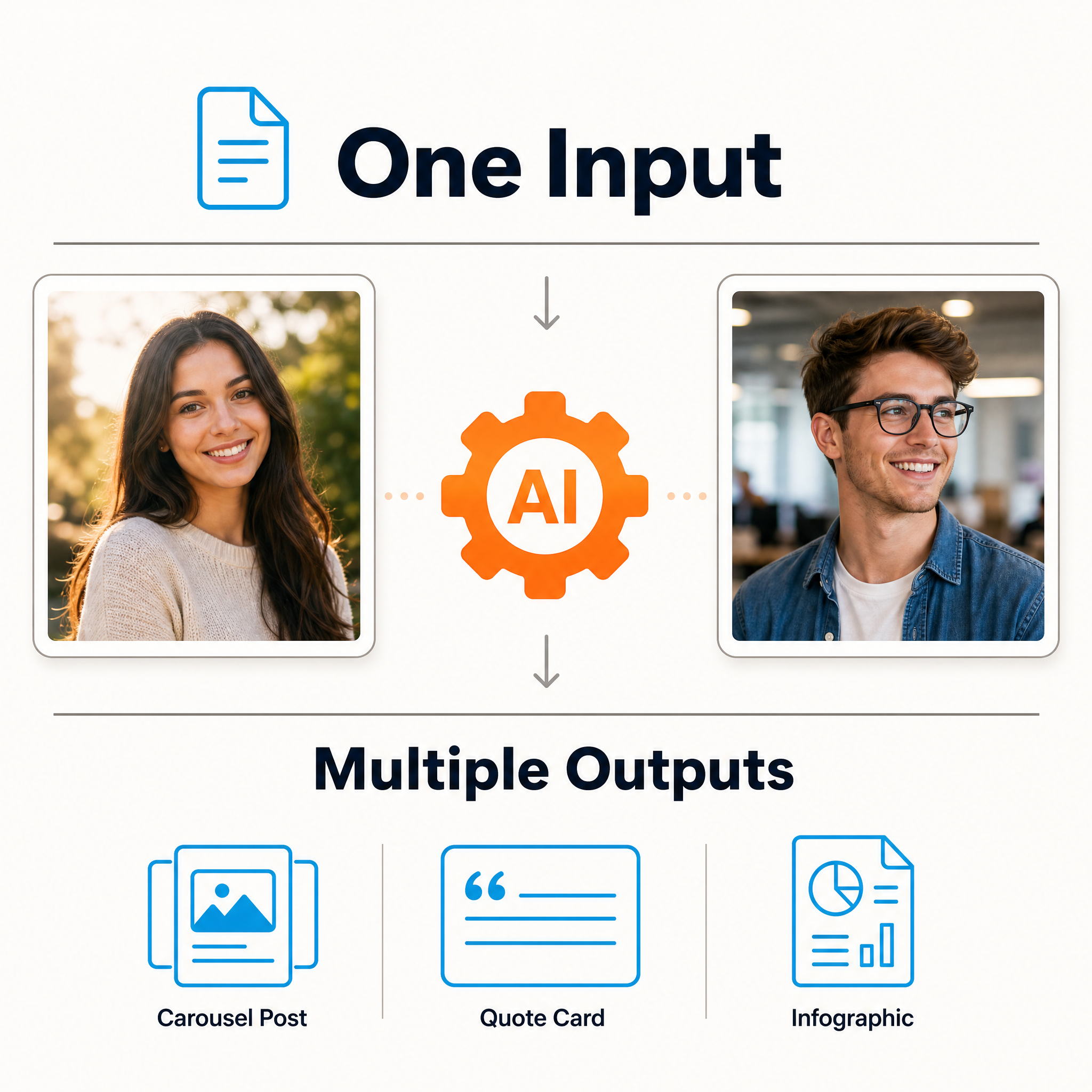
- Change the output formats in the Config node — 100+ available (carousels, quote cards, blog headers, ad formats) via GET https://api.canvora.ai/api/formats
- Add a carousel: set carouselFormat (e.g. instagram_carousel) and carouselSlides in the Config node
- Force a language (e.g. es, de) or leave empty to auto-detect from the article — visuals are generated natively in 150+ languages
- Pass a brand kit ID so every visual uses your colors, fonts, and logo
- Replace the Slack review step with LinkedIn or Buffer nodes to publish automatically
Additional info
Example output
Real visuals produced by this exact workflow during testing, from a live blog URL: