See llms.txt for all machine-readable content.
Back to integrations
Integrate E2B with 1000+ apps and services
Unlock the full potential of E2B and n8n’s automation platform by connecting E2B’s capabilities with over 1,000 apps, data sources, services, and n8n’s built-in AI features.
Need something that’s not covered yet?
Use n8n’s pre-authenticated HTTP Request node to create new connections, giving you the flexibility to build powerful automations on any stack.


Created by
E2B
Last update
6 days ago
E2B integration
is built and maintained by our partners at E2B and verified by n8n. That means it’s solid, safe, and ready to help you tap into some great capabilities.
About E2B
Run code and commands in secure E2B cloud sandboxes directly from your n8n workflows. Create and manage sandboxes, execute code, upload and download files, work with Git repositories, and persist state with snapshots and volumes. Safe, isolated code execution for AI agents and automations.
Related categories

What can you do with E2B?
Run Command
Run a shell command in an existing sandbox, or create a temporary sandbox for this execution
Create Folder
Create a directory inside an E2B sandbox
Delete
Delete a file or directory inside an E2B sandbox
Download
Read a sandbox file and return it as binary data
Get Info
Get metadata for a file or directory inside an E2B sandbox
List
List files and directories under a sandbox path
Move
Move or rename a file or directory inside an E2B sandbox
Read
Read a sandbox file as text
Upload
Write input binary data to a sandbox file
Write
Write text content to a file inside an E2B sandbox
Add
Stage files for the next commit
Checkout
Check out a branch, tag, or commit in a sandbox repository
Clone
Clone a git repository into an E2B sandbox
Commit
Create a git commit from staged changes
Pull
Pull changes from the configured remote
Push
Push commits to the configured remote
Status
Return parsed git status for a repository
Create
Create a new E2B sandbox
Get
Retrieve a sandbox by ID or by metadata filter
Get Many
List running E2B sandboxes
Get Preview URL
Get an external URL for a port exposed inside a sandbox
Kill
Kill a sandbox by ID
Pause
Pause a sandbox by ID
Create
Create a snapshot from a sandbox
Delete
Delete a snapshot by ID
Get Many
List E2B snapshots
Create
Create a persistent E2B volume
Delete
Delete a persistent E2B volume
Get
Retrieve a persistent E2B volume by ID
Get Many
List persistent E2B volumes
How to install E2B and use it in your n8n workflows
Verified nodes need a quick setup by an instance owner first, but after that, everyone on the instance can start using them in their workflows. Learn more here.
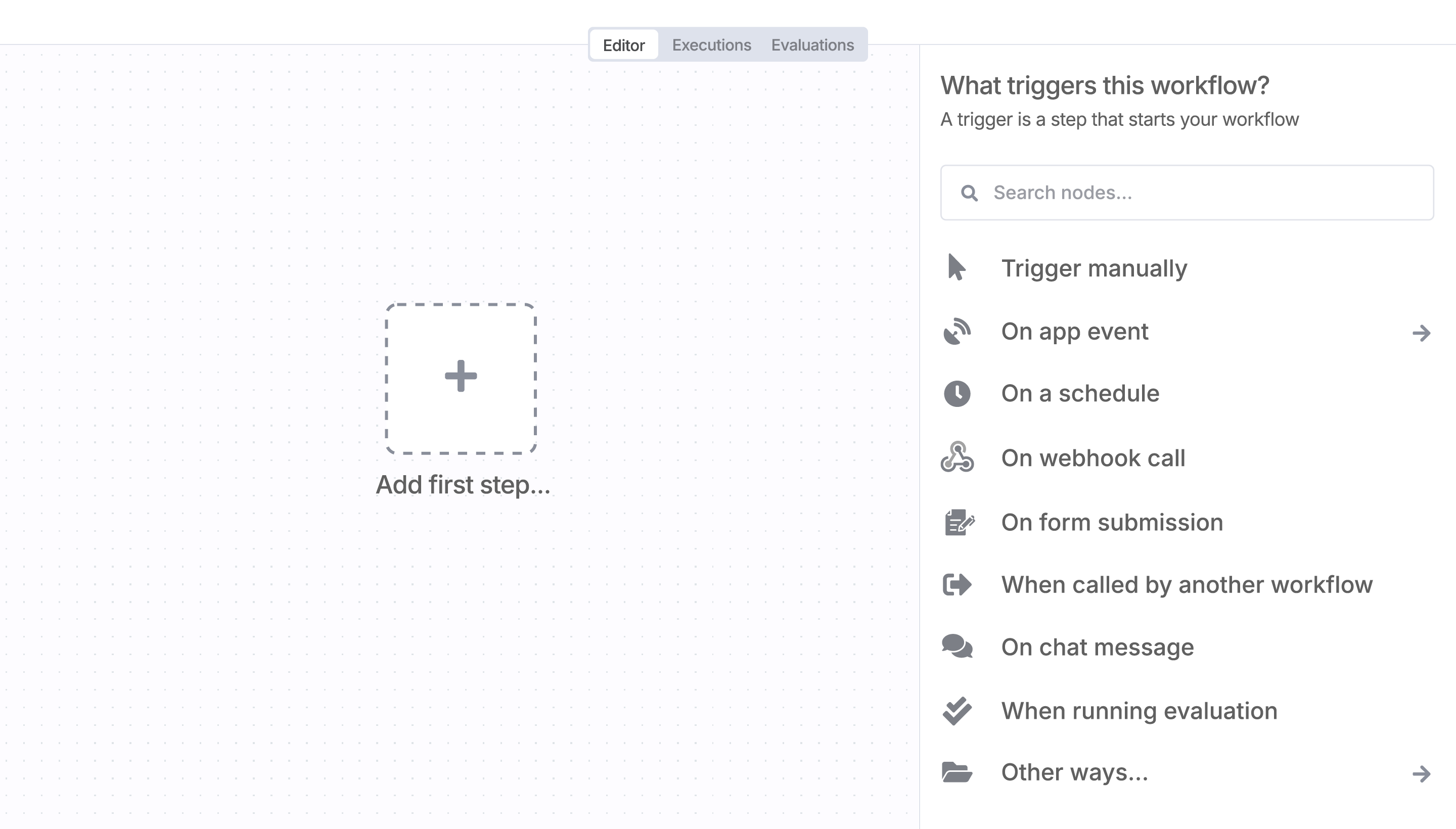
Sign in to n8n, open the editor, and click + in the top right to open the Nodes panel
Resources for E2B
The world's most popular workflow automation platform for technical teams including


